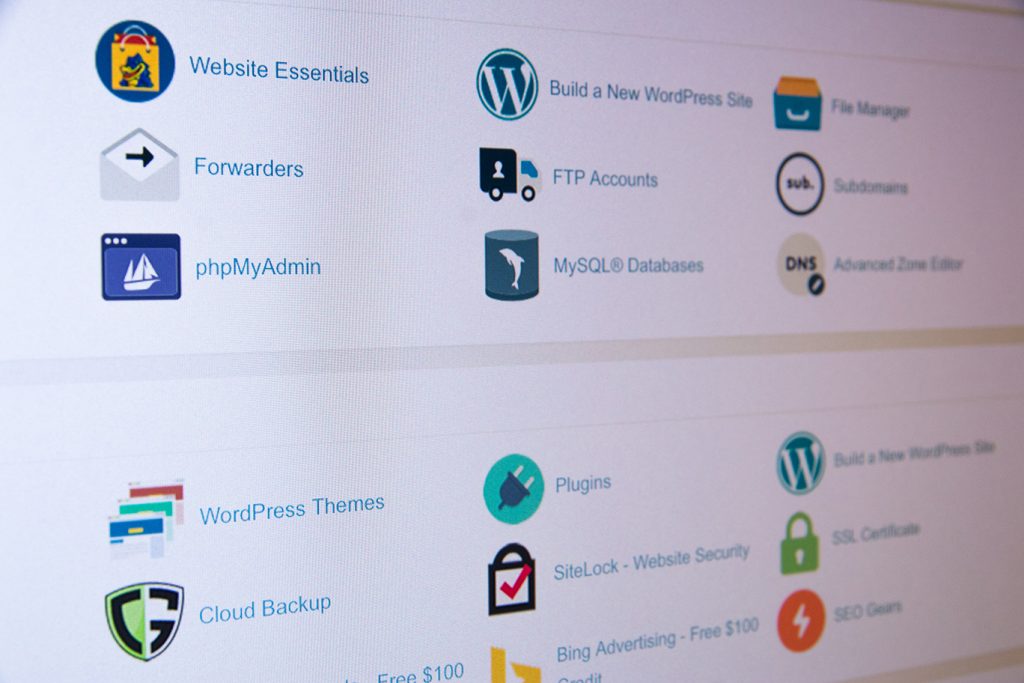
Many people phone Digital Pacific to ask if we can run a particular type of Content Management System (CMS). Generally speaking, if the CMS runs using PHP and MySQL it can be hosted by Digital Pacific.
To technical, PHP is a scripting language used to create dynamic websites. It works with the MySQL database to present a website’s content that has been stored on the server in its tables and cells. To break it down, you could imagine a MySQL database as being like an Excel spreadsheet. The PHP code calls specific tables and cells of information and then presents it on the website in the specified location and format.
The beauty of a content management system is that the program does all the hard work for you in the background. All you have to do is input the information (after having it installed of course) and the rest is history.
3 simple steps to get started with your own content management system.
- – Sign up for a hosting plan with Digital Pacific
- – Follow the prompts to register / transfer domain name(s)
- – Install your content management system using cPanel’s Fantastico or FTP
Contact our friendly sales team on 1300 694 678 if you experience any difficulties or need some help getting started. We can install any cms that is
php / mysql based for a small one off fee. Please see our extended support section for more information.
Here are 12 of the most popular requested content management systems at Digital Pacific:
Joomla!
 Joomla! is one of the most popular content management systems on the market today. It is said to have an impressive amount of functionality, but the simplicity cannot beat ones such as WordPress. Joomla! is the perfect CMS for corporate, e-commerce and even personal websites.
WordPress
 WordPress has become the software choice of bloggers everywhere in the world. Created by users for users, WordPress does an excellent job of taking the confusion out of constructing fully-functional websites and weblogs. Navigation is never an issue, & countless features can be added in the form of plugins.
Drupal
 Drupal is said to have the highest learning curve of the top 3 content management systems listed here, but its users and developers swear by its overall power. Drupal can be used for community sites, forums, weblogs, and corporate websites.
Moodle
 Moodle is a content management system that is used to create online courses and web-based learning websites. Moodle stands for Modular Object-Oriented Dynamic Learning Environment, but the word “moodle” itself means to while the time away (a little trivia for you). This CMS is great for universities, schools and any organisation that needs to run learning modules on the web.
Pligg
 Pligg is a CMS that is meant to create social network / user-driven websites. Pligg offers the ability for members to log in and submit their own content, news, video, etc. to the site. Users are then able to vote for their favorites, which are bumped to the front page.
Xoops
 Xoops is yet another great and powerful CMS software that is said to work well for large and small organisations and companies, as well as personal blogs and websites. Xoops stands for eXtensible Object Oriented Portal System, and like other CMS software, it can be customised with add-on modules.
TYPO3
 TYPO3 is a CMS that is ready to take on small to medium enterprise websites. It offers user-friendly tools, detailed permissions settings and an internal messaging system to help bring collaboration to any project.
phpBB
 PhpBBboasts its community building powers through the use of its dynamic forum layouts. It provides multi-category layouts, advanced settings and video tutorials to help anyone create an amazing stand-alone message board or integrate one with an existing website.
MediaWiki
 MediaWiki software was originally used on the Wikipedia website, but has become available to web users wishing to create a collaborative and informational website. MediaWiki allows for users to collectively update and edit information, so it is good for help and knowledgebase sites where the data changes often.
Mambo
 Mambo is a content management system that can cover just about any type of website out there, and better yet, it is simple to use. A number of high-profile websites have used Mambo, such as Mitsubishi and the French Parliament to name a few.
CMS Made Simple
 CMSMS talks about its cross-the-board functionality from personal to corporate websites. It features drop-down site navigation menus, SEO friendly URLs, various extensions and the ability to incorporate a different design on every page.
PHP Link Directory
 PHP Link Directory is the perfect solution for any directory or listings website. It allows users to assign categories, allow link submissions (even paid ones) and the creation of articles and pages.
If you’re interested in turning your website into an online store, we’ve also published an article outlining some of the best open-source shopping carts.
Have you experienced success or failure with any of the content management systems in this list? If so, please share your story by leaving a comment below.